Download
Get AKRES
Free to download. Your leads, listings, deals and invoices stay on your phone.
Your device
Mac
For macOS 11 or later, on Apple silicon and Intel. Open the file and drag AKRES into Applications.
Signed with an Apple Developer ID and notarised by Apple. The first time, macOS asks you to confirm opening an app from the internet; choose Open.
Download for MacYour device
Windows
For Windows 10 and 11, 64-bit. Get it from the Microsoft Store; AKRES appears in the Start menu.
Get it from MicrosoftMoving from another phone? On the old phone, open More → Account, backup & team and tap Back up now. On the new phone, choose Moving from another phone? on the first screen. More help
See it on a computer
The same app on Mac and Windows, laid out for a wide screen, a mouse and a keyboard.
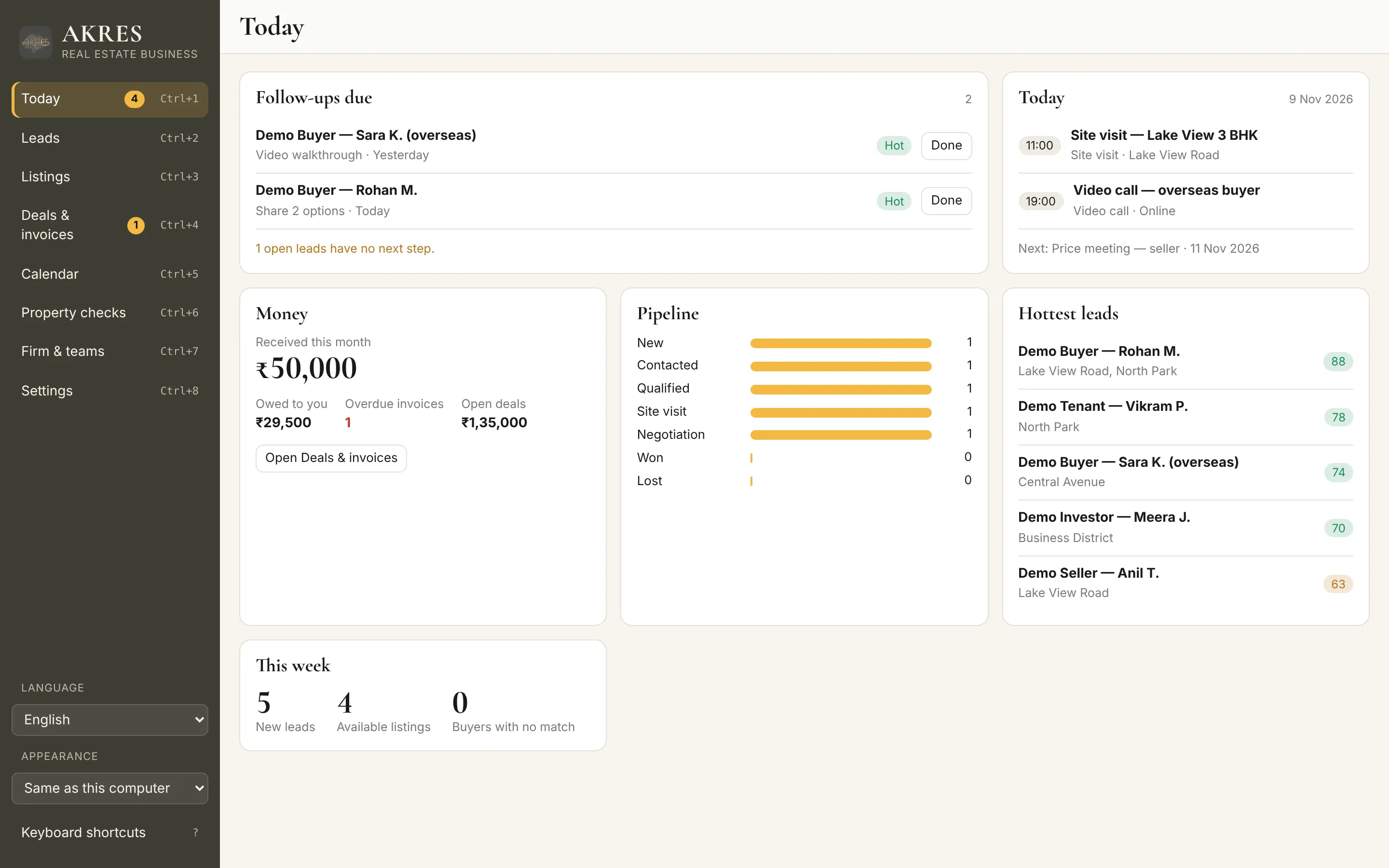
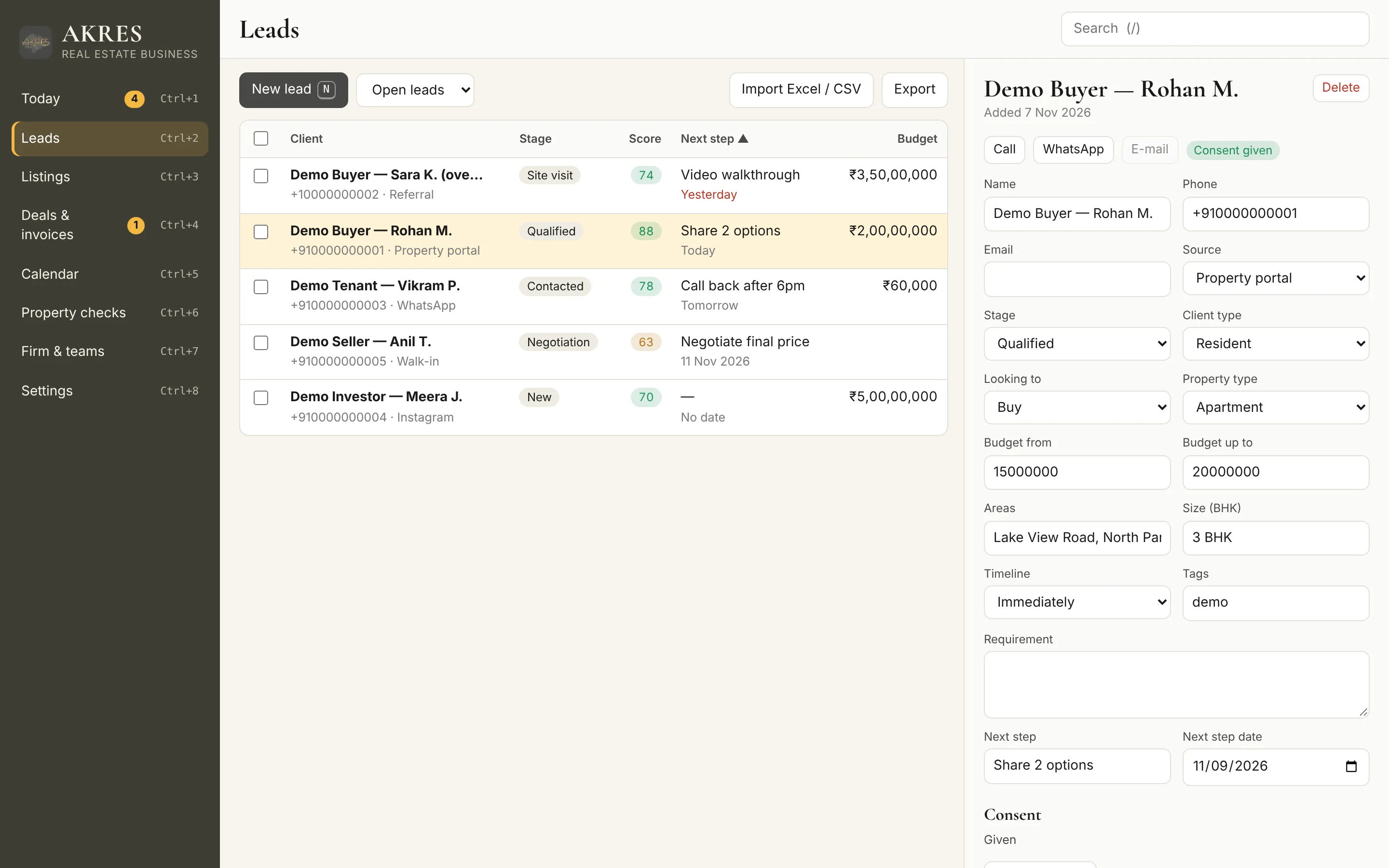
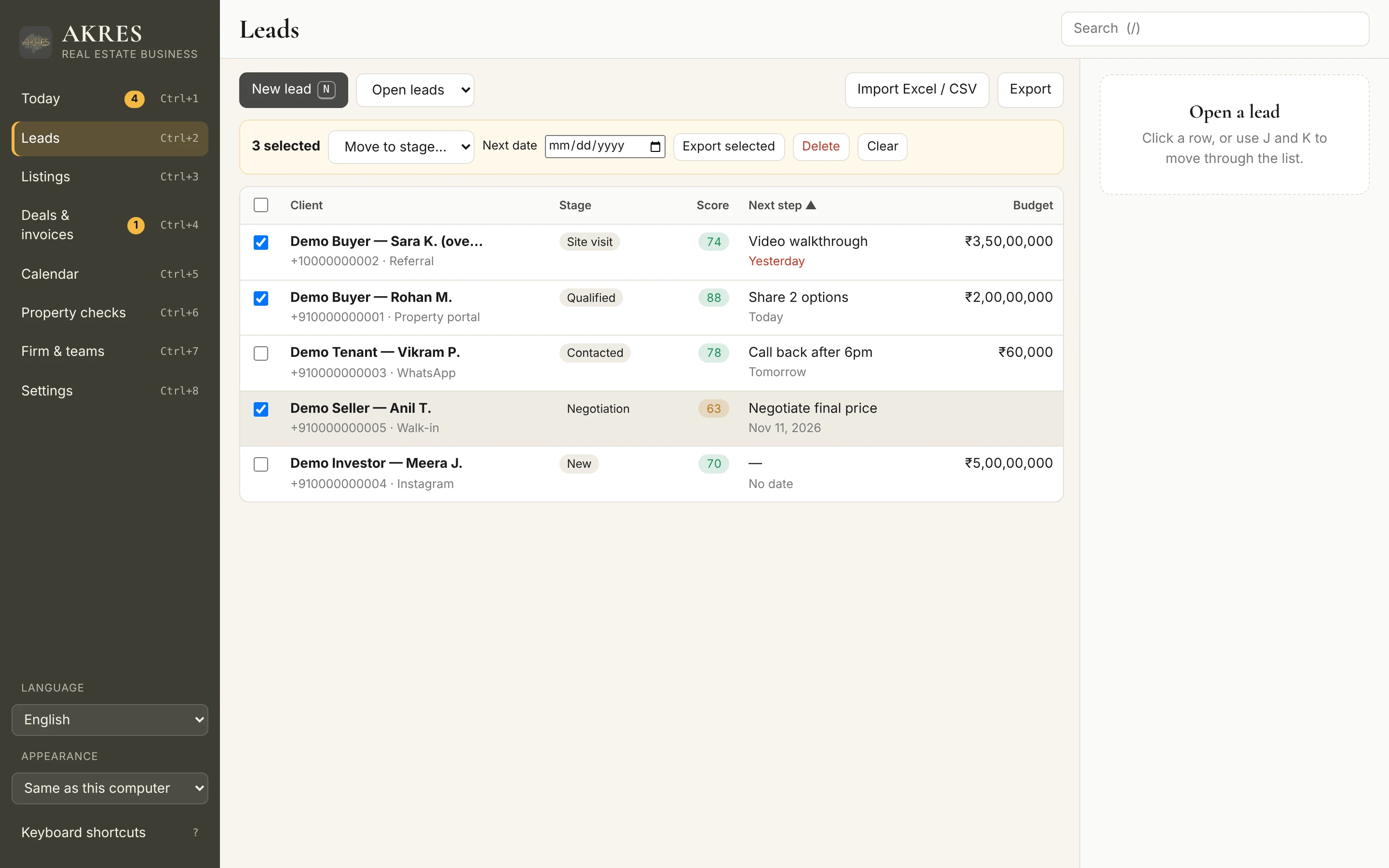
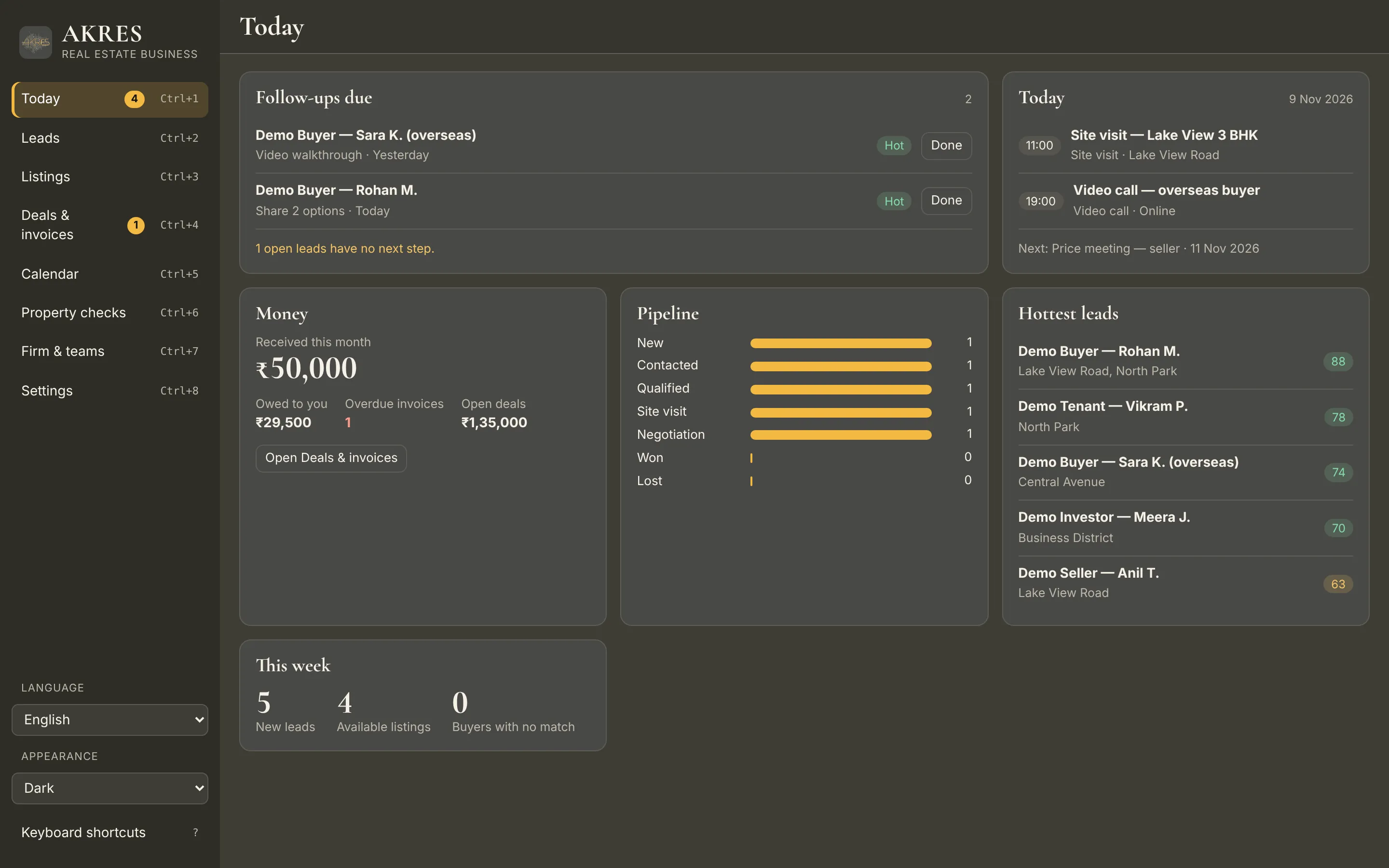
Shown with sample records.